 EN
Why manual calibration slows down trajectory tracking deployment
Setting up a zebrafish trajectory tracking system used to be a ritual of patience. A grid or ruler goes into the arena, a camera captures a frame, and someone measures pixel distances by hand. That calibration step converts image coordinates into real-world units, and it has to be repeated whenever the camera moves, the lens changes, or the arena is repositioned. In a lab that runs multiple behavioral assays, that overhead adds up fast.
Manual calibration has another problem. It depends on the person doing it. Two technicians can trace the same grid and get slightly different pixel counts. The difference may be small, but over a multi-week study it can shift the apparent distance traveled by a larva. For a zebrafish trajectory tracking system, that kind of drift undermines the whole point of tracking.
Automatic calibration does not eliminate every human step, but it cuts the repetitive ones. That matters when a system is being deployed across several rigs or when a core facility needs to get new users running without a long training period.
What automatic calibration actually does under the hood
At its core, automatic calibration is a computer vision routine that detects a known pattern and solves for the mapping between camera pixels and physical units. The pattern can be a checkerboard, a dot grid, or a printed marker with known dimensions. The software finds the corners or centers, matches them to the known geometry, and computes the transformation.
-
The camera captures one or more images of the calibration target.
-
The algorithm detects feature points, such as checkerboard intersections.
-
Those points are matched to their known positions in the target.
-
A homography or affine transform is computed.
-
The transform is stored and applied to every subsequent frame.
The math is not exotic. Homography estimation has been standard in computer vision for decades. What makes automatic calibration useful in a zebrafish context is that it handles the messy parts. It can correct for slight camera tilt, lens distortion, and perspective if the target is not perfectly parallel to the sensor. Manual methods often ignore those effects because correcting them by hand is tedious.
The accuracy tradeoff between manual and automatic calibration
A common assumption is that automatic calibration is less accurate than a careful manual measurement. That is not always true. A well-designed automatic routine can achieve subpixel accuracy on corner detection, which is often better than a human clicking on a grid line. The real difference shows up in repeatability and speed.
| Calibration method | Typical repeatability | Time per setup | Skill required |
|---|---|---|---|
| Manual grid tracing | Moderate | Several minutes | High |
| Manual ruler with software assist | Moderate | A few minutes | Moderate |
| Automatic checkerboard | High | Under a minute | Low |
| Automatic with distortion correction | High | Under a minute | Low |
The tradeoff is not accuracy. It is transparency. A manual calibration lets the user see exactly which points were measured. An automatic routine is a black box unless the software exposes the detected features. For regulated work, that visibility matters. For routine behavioral screening, speed and repeatability usually win.
A field example where auto calibration saved a deployment
A university lab in eastern China was expanding its behavioral phenotyping setup from one rig to four. The first rig had been calibrated manually, and the process took a trained student about ten minutes per session. With four rigs running daily, that was close to an hour of setup before any experiment could start.
The team switched to a zebrafish trajectory tracking system with automatic calibration built in. The checkerboard target was placed in each arena, an image was captured, and the software computed the scale. Setup time dropped to a couple of minutes per rig. More importantly, the calibration values were consistent across rigs, which made it easier to pool data from different setups.
The switch was not perfect. One rig had a slightly tilted camera that the automatic routine corrected, but the correction needed a visual check to confirm the arena edges were still aligned with the tracking region. That check became part of the daily routine. The time saved was still substantial.
Where automatic calibration still needs human oversight
Automatic calibration is not a license to ignore the setup. Several things can still go wrong.
-
The calibration target may be printed at the wrong scale if the printer settings are off.
-
A reflective surface or uneven lighting can confuse feature detection.
-
The target may be placed at a different height than the animals, introducing a parallax error.
-
Lens distortion can be corrected, but only if the distortion model matches the actual lens.
A quick sanity check helps. After calibration, a known distance in the arena can be measured with a ruler and compared to the software value. If the numbers disagree by more than a small tolerance, something is off. That check takes seconds and catches the most common failure modes.
Automatic calibration also assumes the camera does not move during the experiment. A bump to the rig or a loose mount can invalidate the calibration mid-study. Some systems include a reference marker in the arena to detect drift, but that feature is not universal.
How Hunter Lab approaches calibration in practice
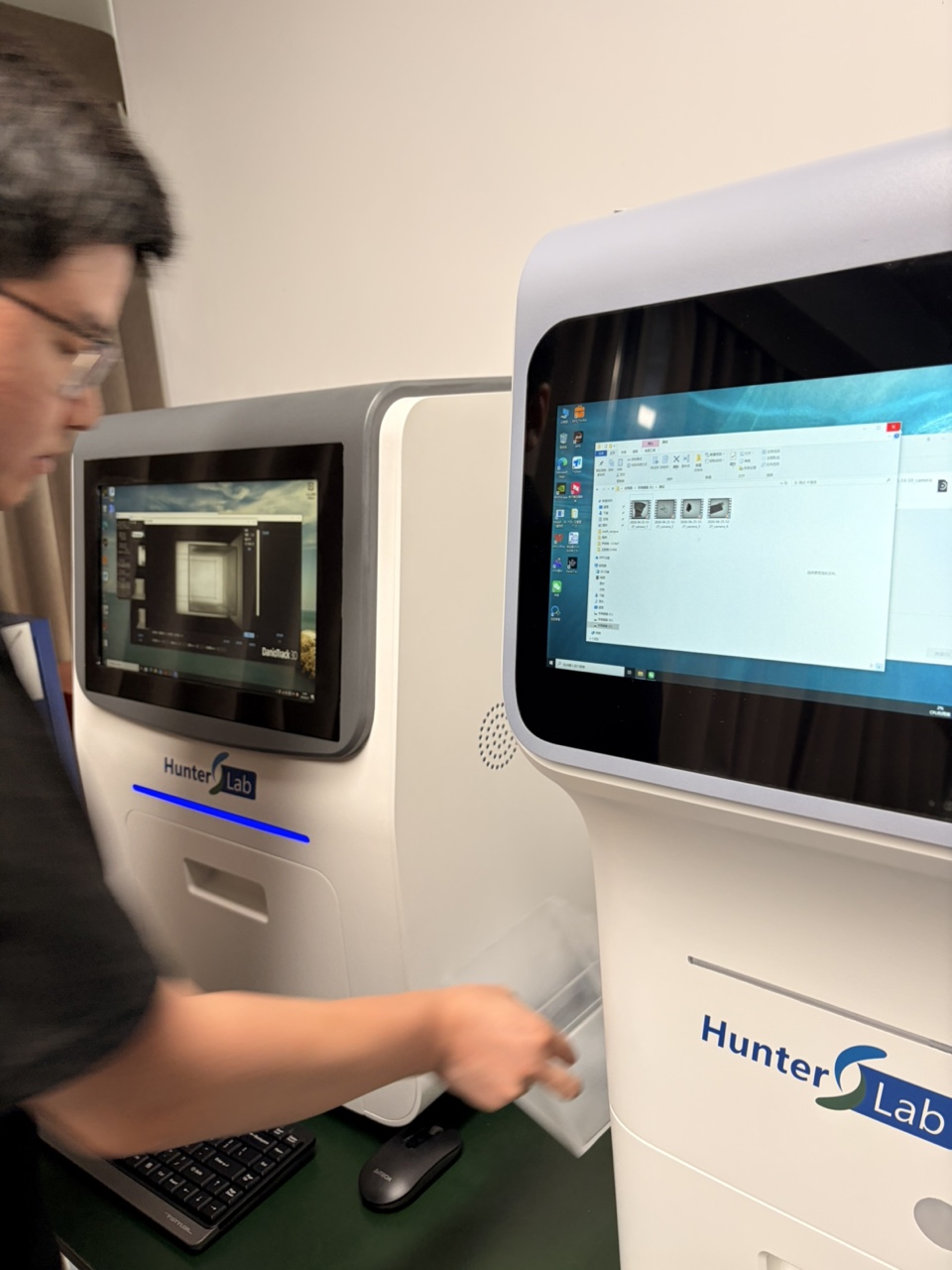
Hunter Lab (Hunter) builds zebrafish laboratory equipment with attention to the workflow around the hardware. The manufacturing and quality control side supports the consistency that multi-rig deployments require. For labs that need to get several tracking systems running without a long calibration ritual, automatic calibration is one of those features that quietly makes the day easier.